V-Character 4.0: More Realistic AI Avatars
The latest V-Character model renders sharper faces, subtler expressions, and natural hand and body movement for lifelike talking videos. Start simple — make a photo talk in one click.
Explore AI AvatarWrite a prompt, upload a photo, or bring your slides. VisionStory directs the scene, voice, motion, and captions — ready to publish in minutes.
 4.7 / 5 from 535 reviews


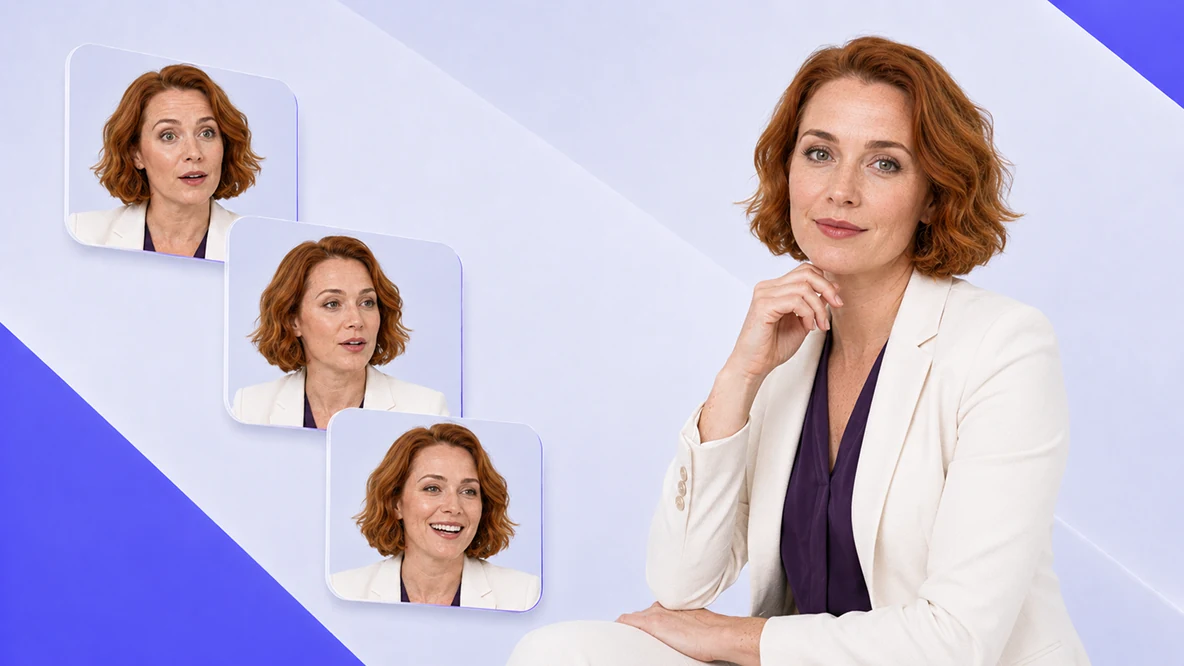
Character consistency is what separates a useful avatar from a gimmick. V-Character delivers it across every angle, every expression, and every video you create.
The latest V-Character model renders sharper faces, subtler expressions, and natural hand and body movement for lifelike talking videos. Start simple — make a photo talk in one click.
Explore AI Avatar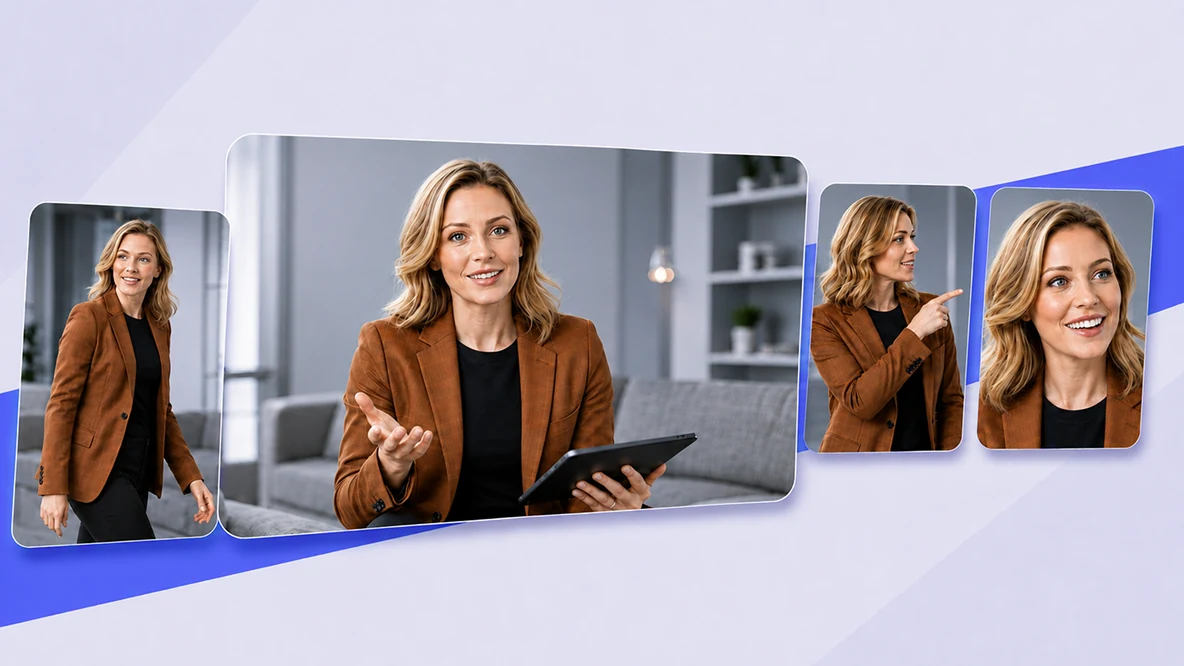
Create AI avatar videos up to 10 minutes long while keeping your character’s appearance and identity consistent in every scene.
Explore AI Video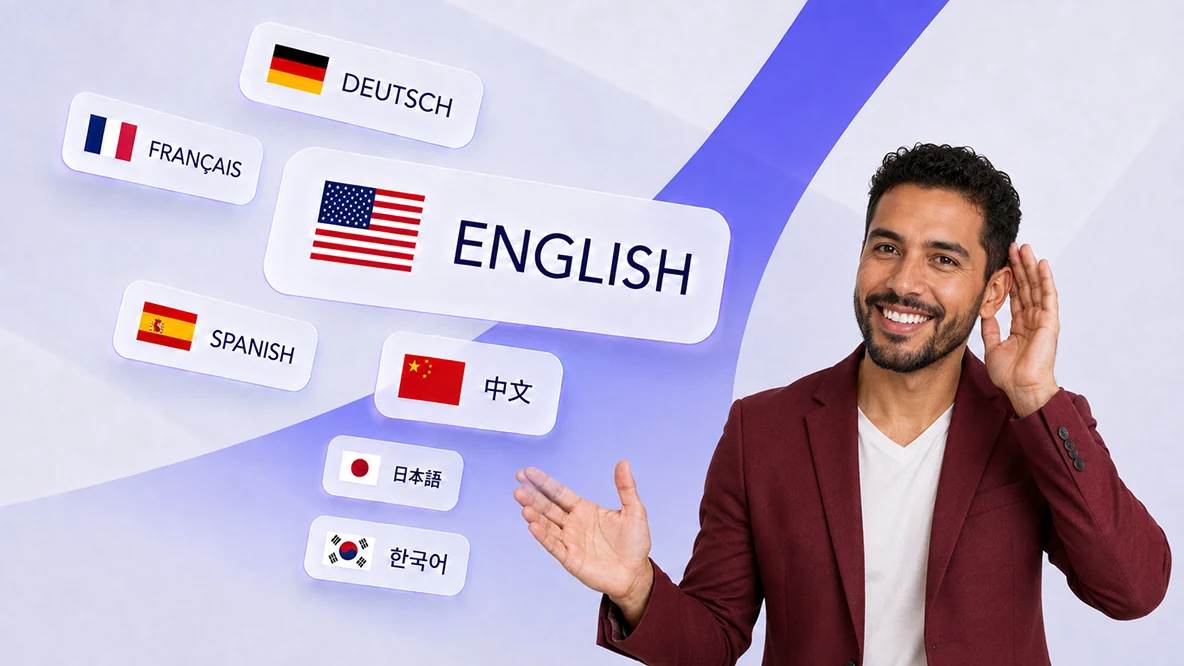
Choose from thousands of natural AI voices across multiple languages, countries, and regional accents.
Explore AI Voices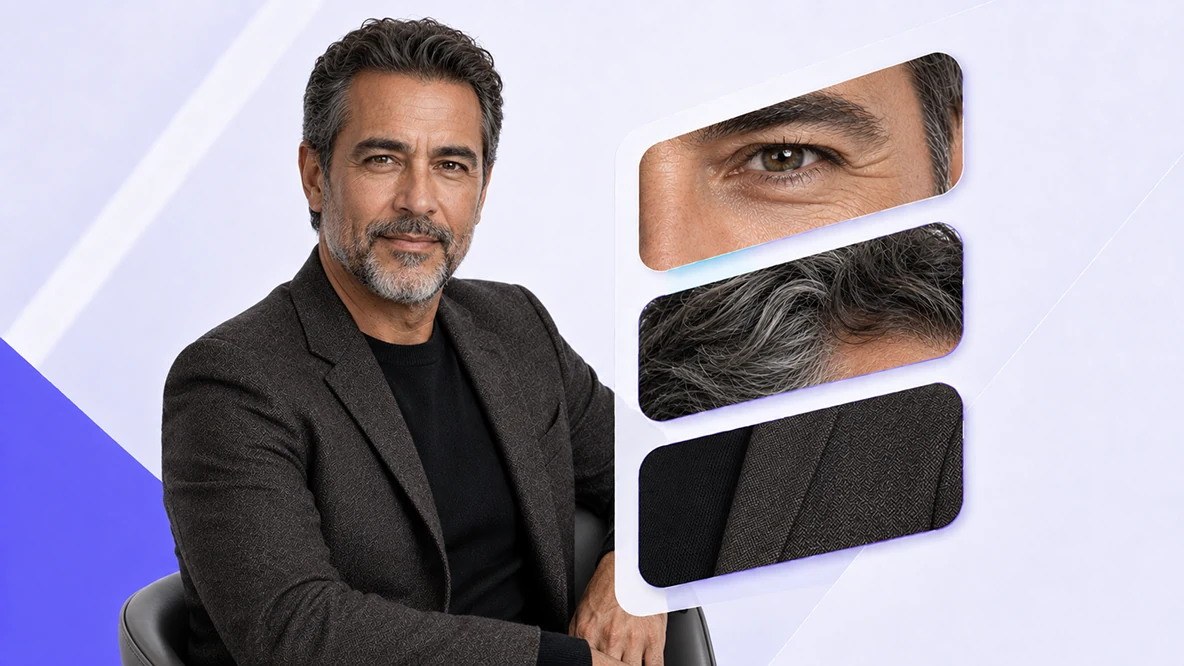
Export professional AI avatar videos in 720p, 1080p, or crisp 2K resolution for marketing, training, and social media.
Explore HD VideoRealism that scalesOne consistent character — every language, length, and resolution.
Pick an AI avatar and describe your video in a sentence — or hand the agent a URL, PDF, or deck. It plans a multi-shot talking video for you: script, a scene for every shot, voiceover, and captions. Then refine any shot just by chatting, and generate in 16:9, 9:16, or 1:1.
Most AI tools only handle one step: scriptwriting, avatars, image generation, voiceover, captions, or editing. VisionStory AI Agent connects the entire workflow, so business teams ship finished videos faster.
Minutes, not daysFrom a one-line brief to a finished, publishable video.
Turn one song and one photo into a cinematic AI music video with natural singing lip sync — no filming or manual editing. Works with your own audio or a track from Suno or Udio: upload the file or paste the link.
Turn a singer photo into expressive, lip-synced music video shots that stay visually consistent.
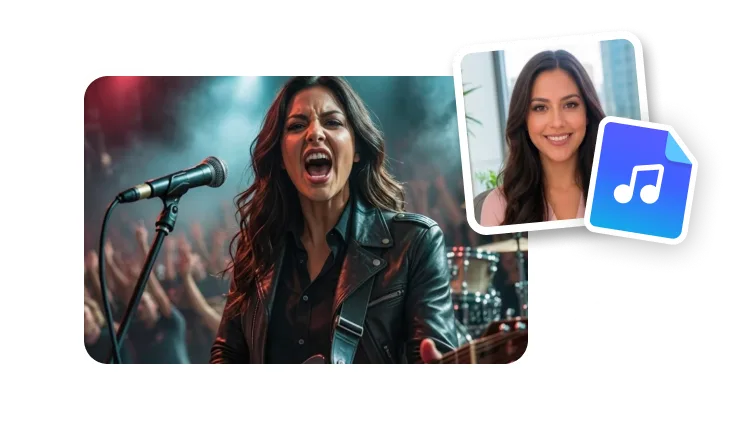
Turn one portrait into an expressive AI singer with natural facial movement and lip sync matched to your song.
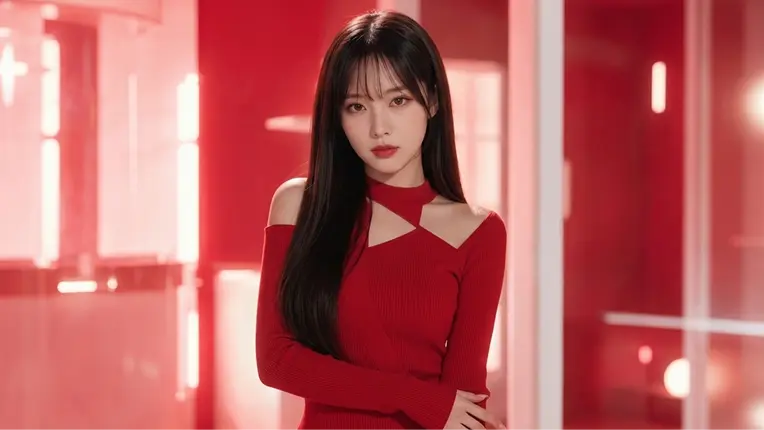
Generate close-ups, wide shots, performance angles, and story-driven scenes without planning a studio shoot.
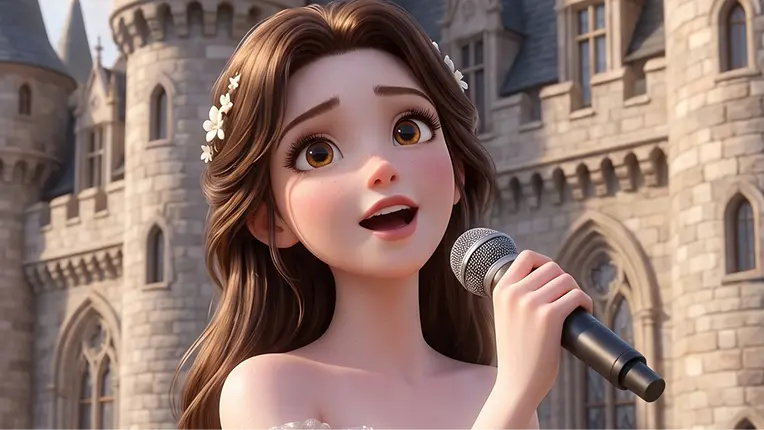
Bring people, anime characters, mascots, and illustrated artists to life in a music video.
Built for release dayPublish-ready shots for YouTube, TikTok, Reels, and Shorts.
Go beyond audio-only AI podcast generators — VisionStory turns your audio, script, or topic into a video podcast with lifelike AI hosts. No camera or editing skills needed.
Upload an MP3 or WAV — including podcasts made with Google NotebookLM — and VisionStory puts faces to the voices.
Pick a template, add your photos, choose a background, and assign host roles — the AI creates realistic animated speakers in your style.
Paste or write a script, fine-tune the storyboard with drag-and-drop, and hit ‘Generate Video’ to render your video podcast.
Your podcast, now visualTurn audio or a script into a video conversation.
Upload a reference face and a target clip, then generate a realistic video face swap that follows expression, head movement, and lighting across frames. Working from a still instead? Try the AI face swap for photos.
 Click or drop the face you want to useClick or drop the video to swap into
Your uploads are auto-deleted after processing
Face swaps that stay naturalKeeps expression, motion, and lighting aligned.
Create high-quality Seedance 2.5 AI videos online with VisionStory. Turn text prompts, images, audio, video, and up to 50 references into controlled clips for ads, ecommerce, social media, and cinematic storytelling.
Kuaishou's flagship omni model: true 4K shots at up to 60 fps, native multilingual audio, voice cloning from a reference video, and multi-shot storyboard control.
MiniMax's omni-modal model: 2K clips with native stereo audio generated in one pass, plus reference control over characters, motion, and voices for precise revisions.
Alibaba's newest model: 30-second single-take shots at up to 1080p, with Omni-Reference input — build video straight from documents, slides, and web pages.
More control, fewer retakesGuide the look, motion, and continuity of every clip.
Copy one setup message for your coding agent, or connect the MCP server and expose VisionStory as a reusable tool.
VisionStory CLI
The installer upgrades to the latest PyPI release in an isolated environment. Your existing Python projects stay untouched.
curl -fsSL https://developers.visionstory.ai/cli | bashHelp me set up VisionStory and generate a talking-avatar video.1. Install or update the CLI and Agent Skill: curl -fsSL https://developers.visionstory.ai/cli | bash npx skills add visionstory-ai/skills --skill visionstory-api2. Run visionstory doctor. If I need a key, send me to https://developers.visionstory.ai/api-keys, wait while I create one, then ask me to run visionstory login in my terminal. Never ask me to paste the key into chat or expose it.3. Verify access with visionstory credits. Stop and help me if it fails.4. Discover current models, avatars, and voices, then use the CLI and visionstory-api skill to create and download the video. Never delete anything unless I explicitly request and confirm it.Create an API key, then send this prompt to your coding agent. It will guide you through visionstory login, verify credits, and create the video without exposing your key.
Find the right VisionStory tool for videos, avatars, voices, images, presentations, and production-ready creative workflows.

Create high-quality images from a prompt.

Put your pet in a funny skit video.

Cut out your subject as a green screen video.

Remove image backgrounds in one click.
One suite, every workflowCreate, refine, and finish without switching tools.
Upload a clear front-facing photo, then type the text you want the avatar to say or upload your own audio. Pick a voice from 1,000+ options in 88 languages, click Generate, and your talking video is ready in minutes.
Eligible new accounts receive 10 free sign-up credits. VisionStory also offers a weekly visit bonus whose amount depends on the plan tier. Sign-up credits can cover a short Presenter talking video, or an eligible feature preview offered in the app. Each feature has its own pricing and accepted credit types. Check the estimate before generating.
V-Character talking video costs 1 credit per 4-second interval at 720p, with partial intervals rounded up. 1080p adds 0.5 times the base credits, 2K adds 2.5 times the base credits, and Green Screen adds 0.25 times the base credits. Each add-on is rounded up separately to a whole credit, then added to the base credits. AI Presentation, Video Podcast, and Avatar Story have their own rates. The exact cost for your settings is always shown before you submit.
VisionStory supports 88 languages with 1,000+ natural voices, including English, Spanish, Chinese, Japanese, German, French, Portuguese, and Arabic. You can also clone your own voice from a short audio sample.
Free accounts can generate videos up to 30 seconds. Paid plans extend this: up to 3 minutes on Pro and up to 10 minutes on Advanced and Ultra.
No. A single clear photo is enough — VisionStory animates it into a talking character with natural expressions, lip sync, and movement.
V-Character is the native talking-video model, built for expressive faces and accurate lip sync. For cinematic footage, VisionStory also runs external models such as Seedance, Kling, and Wan, billed per second of output.
AI avatars, a video agent, music videos, podcasts, and face swap — start free with 100+ ready-made characters.
Try It FreeReal reviews from verified G2 users — creators, marketers, and teams who ship videos with VisionStory.


9 G2 awards · Fall 2026
4.7/5 on G2 · 535 reviews
I like VisionStory AI because it delivers strong ROI through intelligent automation. It helps me create high-quality video content much faster and at a lower cost than traditional production. The AI understands prompts well, produces natural results, and makes it easy to test creative ideas quickly.
VisionStory is able to create high-quality talking videos at a very competitive cost. The video generation cost can be less than $1 per minute, while the final result is comparable to leading AI video models.
I like that VisionStory AI is very easy to apply and extremely easy to use. You don't really need to know much about AI or these types of systems to get started. I also appreciate that it helps me a lot by simply saying what I want to generate, I make a brief speech or what the character is going to say and let VisionStory AI do everything. Moreover, the initial setup was very simple, as I did it through my Google account and it was extremely easy. Apart from a few details, it is an excellent application.
I love the podcast feature the best, although making other videos work great too. I can't believe that you can upload one audio file with 2 different people talking back and forth, and the program can automatically put the correct sections of the audio to the right character. That is such a time saver!
What I like best about VisionStory AI is its PPT-to-video feature. As a technical team leader, I often need to create internal training materials, project updates, and presentation videos for my team. VisionStory AI lets me turn slides into video content much faster, without having to spend extra time recording, editing, or coordinating production resources. Overall, it makes knowledge sharing and internal communication far more efficient.
In my daily work, I often need to present slides in video format, and VisionStory handles that perfectly. I just upload my PPT, add my own photo and voice, and it quickly creates a presentation video that’s ready to use. It saves me a lot of time and really improves my workflow.